
Made for clinics in Zimbabwe
Clinic records that work offline.
A clinic system for Zimbabwe, from Statotech Systems in Harare. Registration, care and billing, on the phones and laptops you already have.
Pick a role, no password needed.
Free for your first six months
- Designed for a full clinic day offline
- USD, ZiG and rand on one bill
- Phones and laptops, in the browser
The clinic day
The clinic day does not wait for the network
Power cuts and a weak network
A system that needs the internet stops when the line does.
USD, ZiG and rand on one bill
And a medical aid that pays part, with the shortfall from the patient.
Paper cards
Lost, duplicated and hard to read when the patient comes back.
Paying by phone
Every EcoCash or bank payment has to match a bill.
One system for the whole clinic day
In the browser
On the phones and laptops you already have. Nothing to install.
A role for each person
Reception, nurse, doctor, cashier and owner each see what their work needs.
Offline first
Works with no connection and syncs when the line is back.
Step by step
Every step of the visit, in one place
From the patient arriving to leaving with a script and a receipt. One record, on every device. Each role sees its own part.
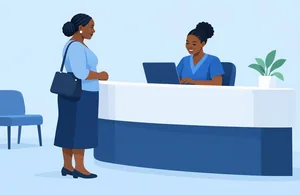 Reception
Registration
A health number, a duplicate check and consent.
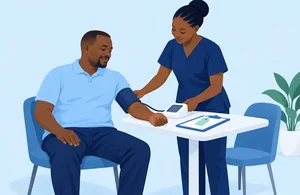 Nurse
Triage
Blood pressure, pulse, temperature and a triage colour.
 Doctor
Consultation
Notes with ICD-10, and a printed script with a QR check.
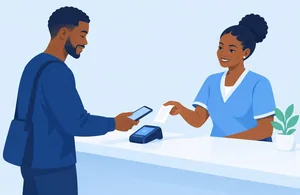 Cashier
Payment
Medical aid split. Cash, EcoCash, Paynow or card.
 Owner
Daily reports
Visits, takings, what medical aids owe, and the cash-up.
Offline first
When the power goes, the clinic keeps going
Work with no connection. Each device keeps its changes and sends them when the line is back.
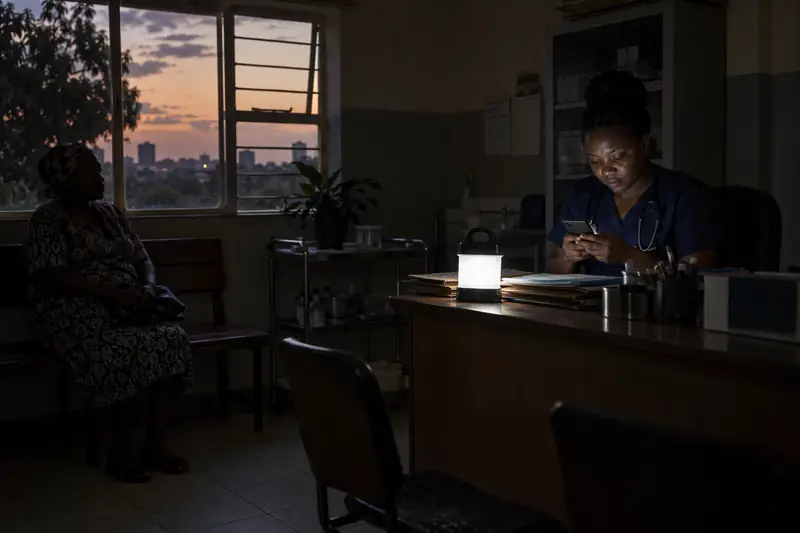
Works with no connection
Registration, the queue, triage and vitals, consultation notes, prescriptions, invoices and cash receipts.
Syncs when you are back
Each device keeps a list of its changes and sends them when it can. Nobody has to press a button.
Encrypted on the device
Records kept on a phone or laptop are encrypted.
What needs a connection
Confirming a mobile-money payment, refunds, and sending reminders.
Design target: a full clinic day offline.
- Medical aid pays
- USD 18.75
- Patient pays
- USD 6.25
One invoice. Each payer’s share. The rate stored with the bill.
Billing and payments
Multiple currencies, three payers, one bill
The medical aid pays its part. The patient covers the shortfall. The cashier keeps it all on one bill.
- Split bills between medical aid, the shortfall and cash.
- The admin sets the currencies in Settings: USD, ZiG and rand. The exchange rate stays on every invoice.
- Cash payments, voids and refunds, and a cash-up at the end of the day.
- A payment that matches no invoice is set aside until someone matches it.
Ways to pay








Cash, EcoCash and Paynow. EcoCash direct. OneMoney, InnBucks, O’mari, ZimSwitch, Visa and Mastercard through Paynow.
Demo payments are simulated. Real payments need your clinic’s provider setup.
Privacy
Patient records stay with the people who need them
A clinic shares the work. It does not need to share every record with every person.
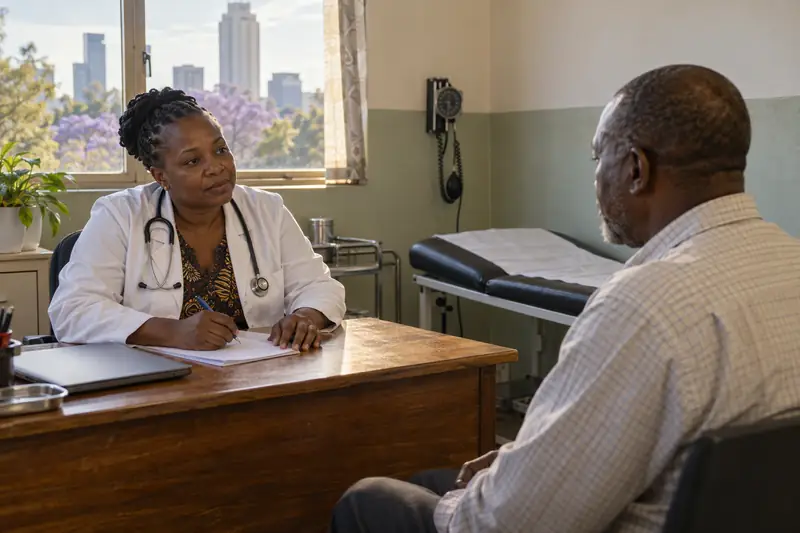
Staff roles
Reception, nurses, doctors, the cashier and the owner each see what their work needs. The admin role sees no patient records.
Two-step sign-in
Staff sign in with a password and a second step.
Audit log
Every read and every change of a patient record is logged: who, what and when.
Each clinic kept apart
The database itself keeps one clinic's records from another's, with row-level security.
Encrypted on the device
Records stored on a phone or laptop are encrypted.
Your clinic online
A website for your clinic, with bookings
A website that sells for your clinic. Call, WhatsApp and Book stay one tap away.
Your own page
Services, hours, payments, medical aids and a booking form. You edit it yourself.
Your own address
Use your own domain, or a free address such as yourclinic.health.statotec.com.
Requests land in Bookings
Reception books or declines each request, with a WhatsApp alert when your clinic’s messaging is connected.
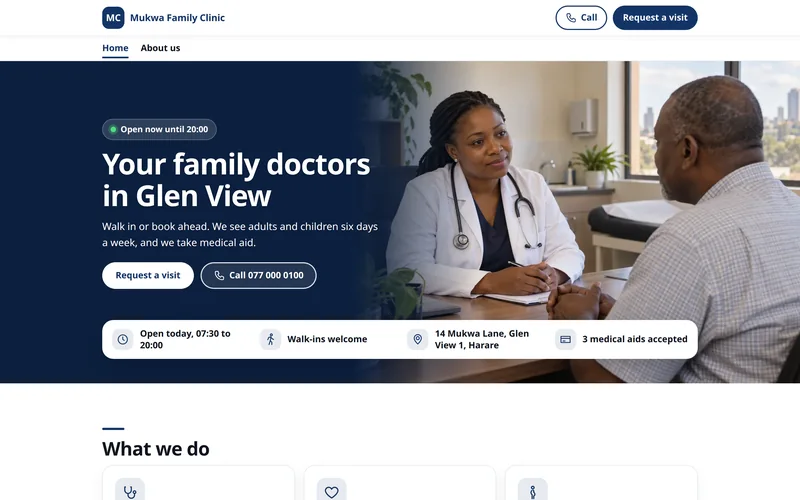
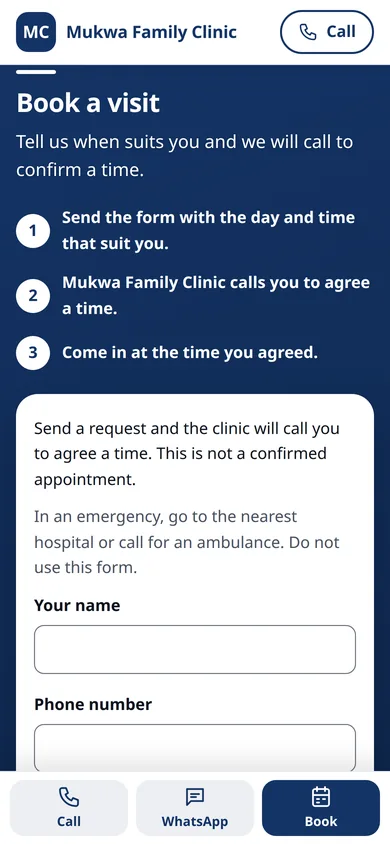
Mukwa Family Clinic · demo website
- Services and opening hours
- Photos of your clinic
- Payments and medical aids
- Map and directions
- Online booking requests
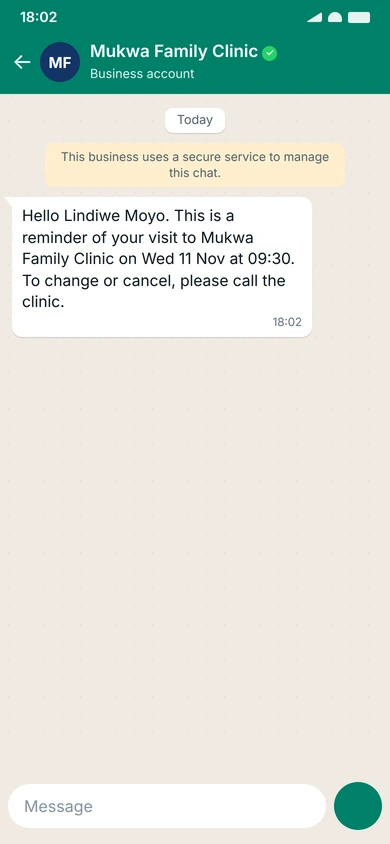
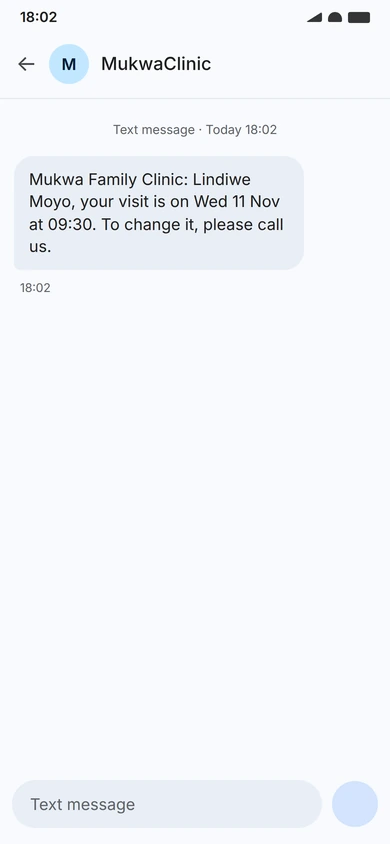
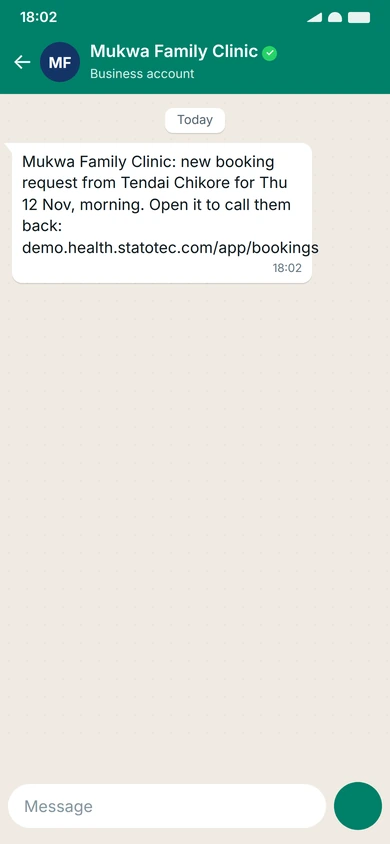
Demo open
Try it now, on your own phone
Pick a role and follow a visit through the clinic. Explore the screens below, then open the shared demo.
Open the demo
Use your own phone or laptop.
Pick a role
Owner, doctor, nurse, receptionist, cashier or admin.
No password
Your device sets itself up when you enter.
Every patient is made up, and payments are simulated. Everyone shares one clinic, so you will see each other’s changes.
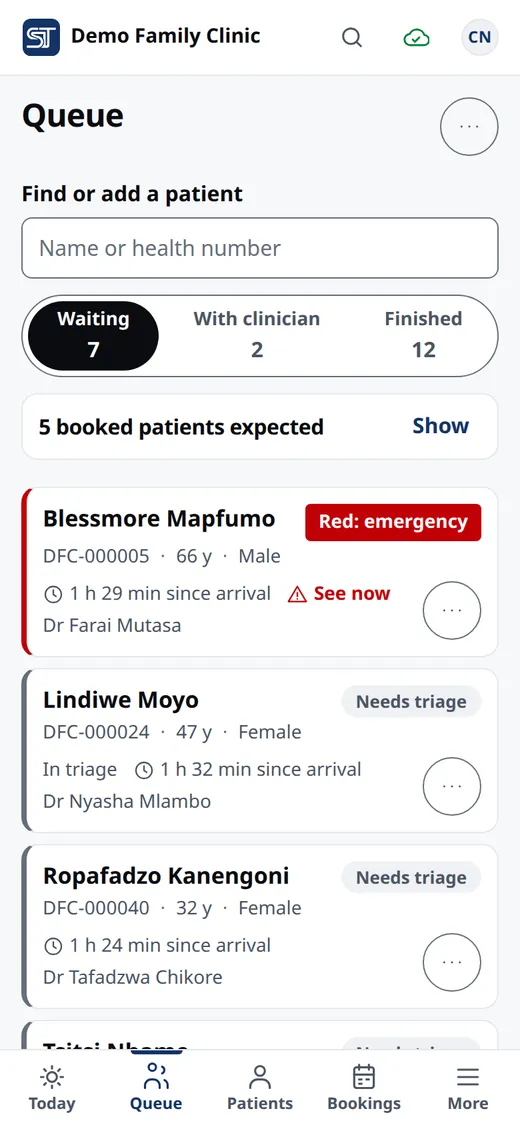
Receptionist · phone
Know who is next.
The queue: who is waiting, their triage colour, and how long since they arrived.
- Patient register
- Queue and bookings
Pick a role, no password needed.
A few practical answers
Before you try it.
What can I do without internet?
Register patients, manage the queue, record triage and notes, print prescriptions, and record invoices and cash receipts. Changes sync when the connection returns. Confirming mobile-money payments, refunds and sending reminders need a connection.
Do I need special equipment?
Statotech Health runs in the browser on phones and laptops. Use a phone at the front desk and a laptop in the consulting room.
Can I explore the demo without signing up?
Yes. Choose owner, doctor, nurse, receptionist, cashier or admin. No password is needed. Every patient is invented, and everyone shares the same demo clinic.
Does the demo move real money?
No. Payments in the public demo are simulated. You can explore cash, EcoCash and Paynow workflows without moving money. A real clinic needs its own payment-provider setup.
How do I start my six months free?
Email contact@statotec.com and tell us about your clinic. Your clinic starts with six months of free access. Paid versions are coming soon.
Start today
Free for your first six months
Your clinic starts with six months of free access to Statotech Health.
Paid versions are coming soon. Talk to us to get your clinic started.
Start your six months free